


Przedstawiamy Nominacje aplikacja
Nominacje to potężna aplikacja, która pozwala zarządzać spotkaniami dla Twojej firmy
Zacząć teraz. Jest wolne!






Aplikacja Nominacje której potrzebujesz do swojej firmy
Śledź cały swój moduł Nominacje w jednym miejscu, na wysokiej wydajności platformie.
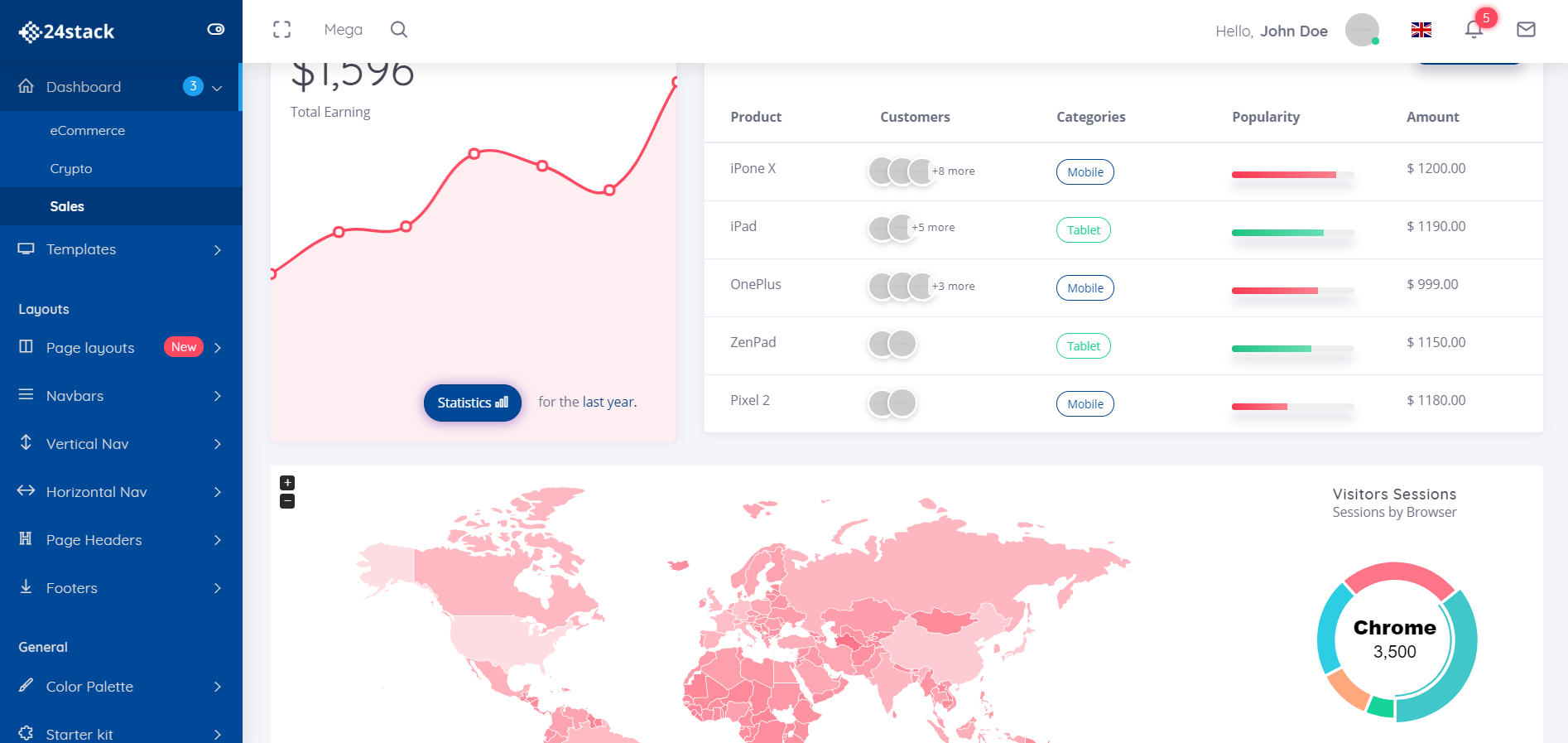
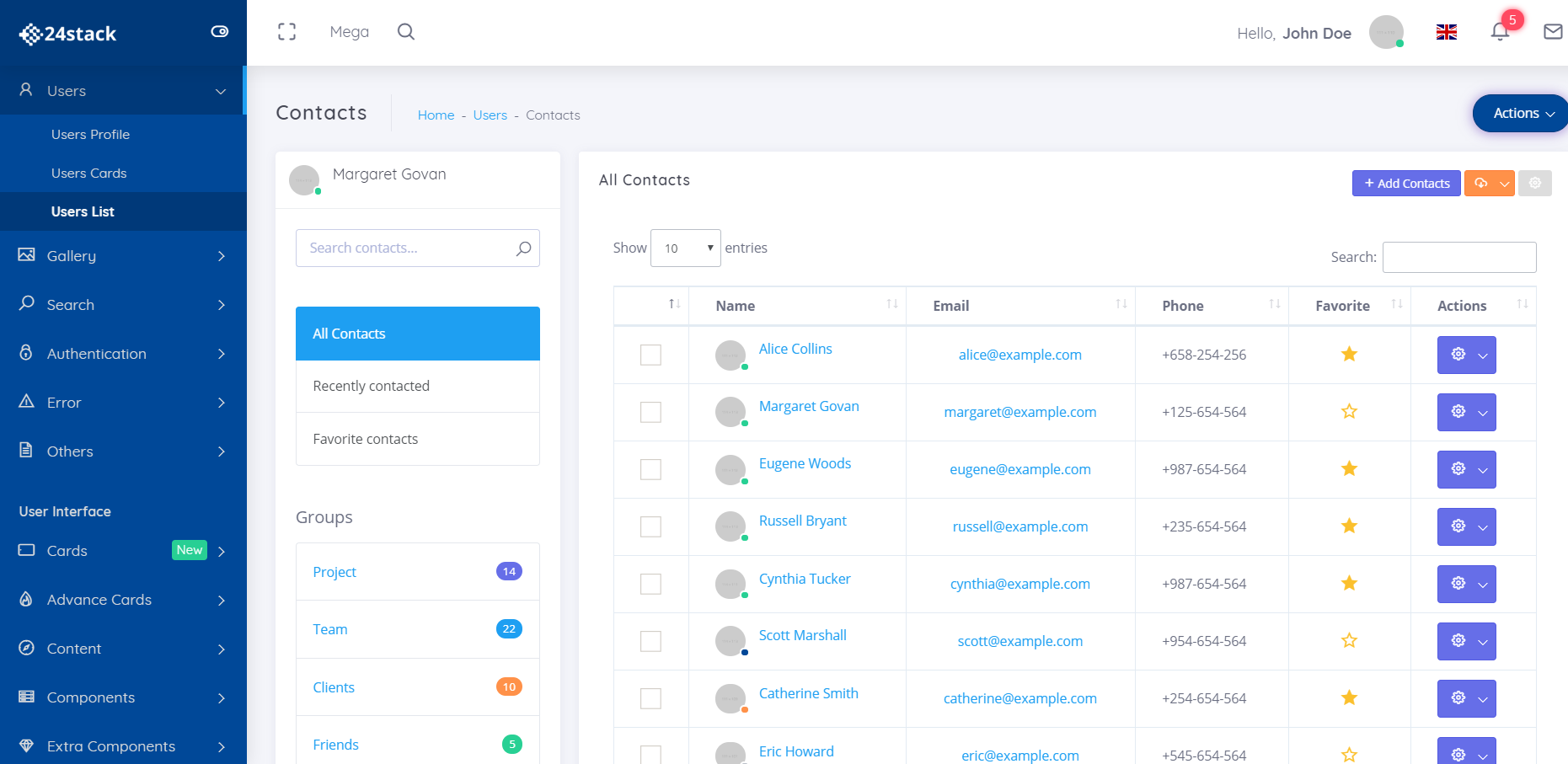
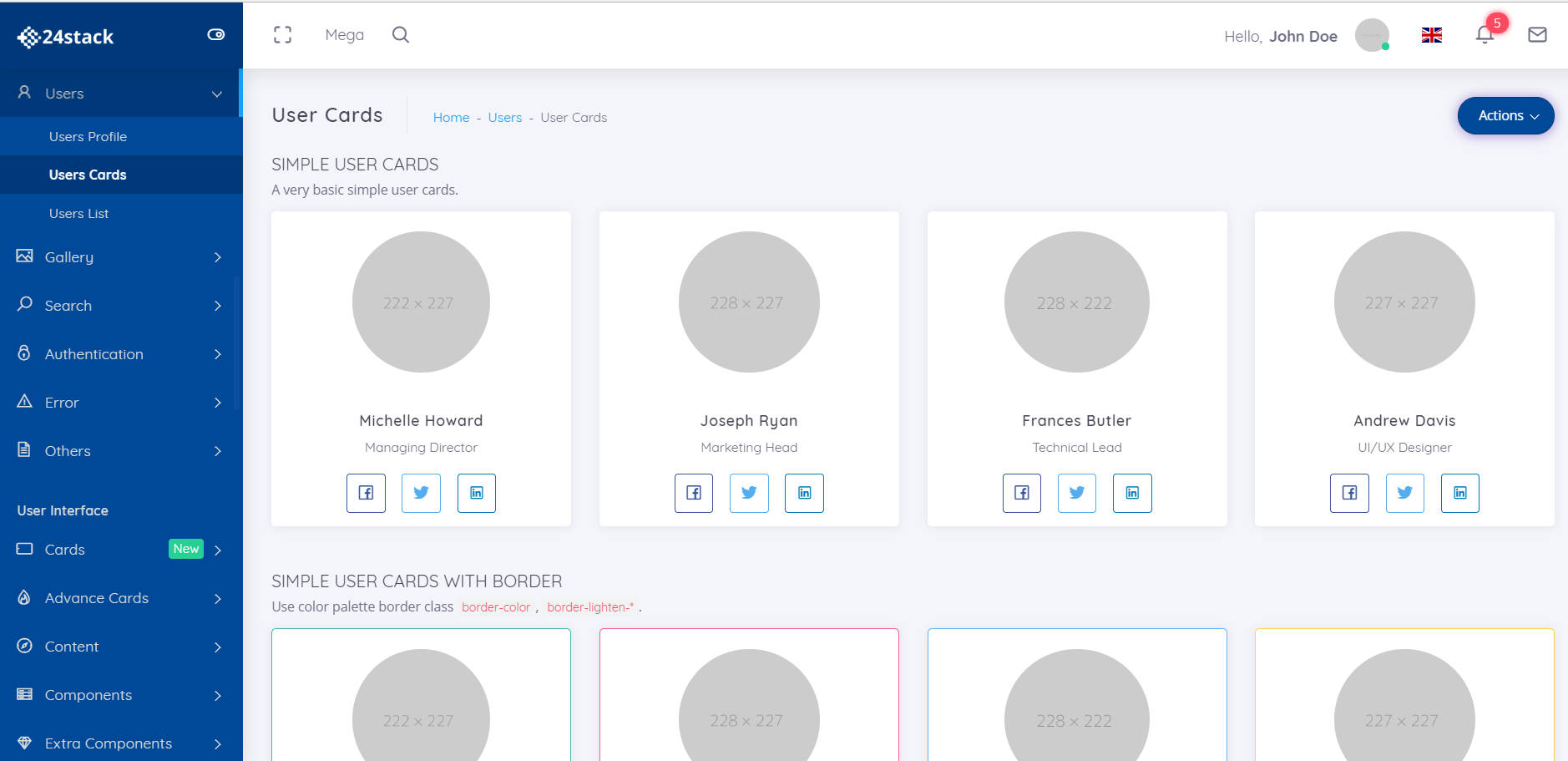
Wypełnij swój kalendarz
Pozwól klientom umawiać się na spotkania według ich wygody.
Umieść linki do spotkań w swojej witrynie
Z łatwością zapełnij swój kalendarz ze swojej własnej strony internetowej, umieszczając link do swoich spotkań.
Zredukuj nie-pokazy z opcjami zmiany harmonogramu
Wysyłaj przypomnienia swoim klientom przed ich spotkaniami. Zmniejsz liczbę braków, włączając opcję zmiany terminu spotkania.
Czemu 24Stack?
Masz dość korzystania z kilkunastu różnych aplikacji, aby spełnić swój cel biznesowy? Przedstawiamy 24Stack, platformę, której potrzebuje twoja firma.

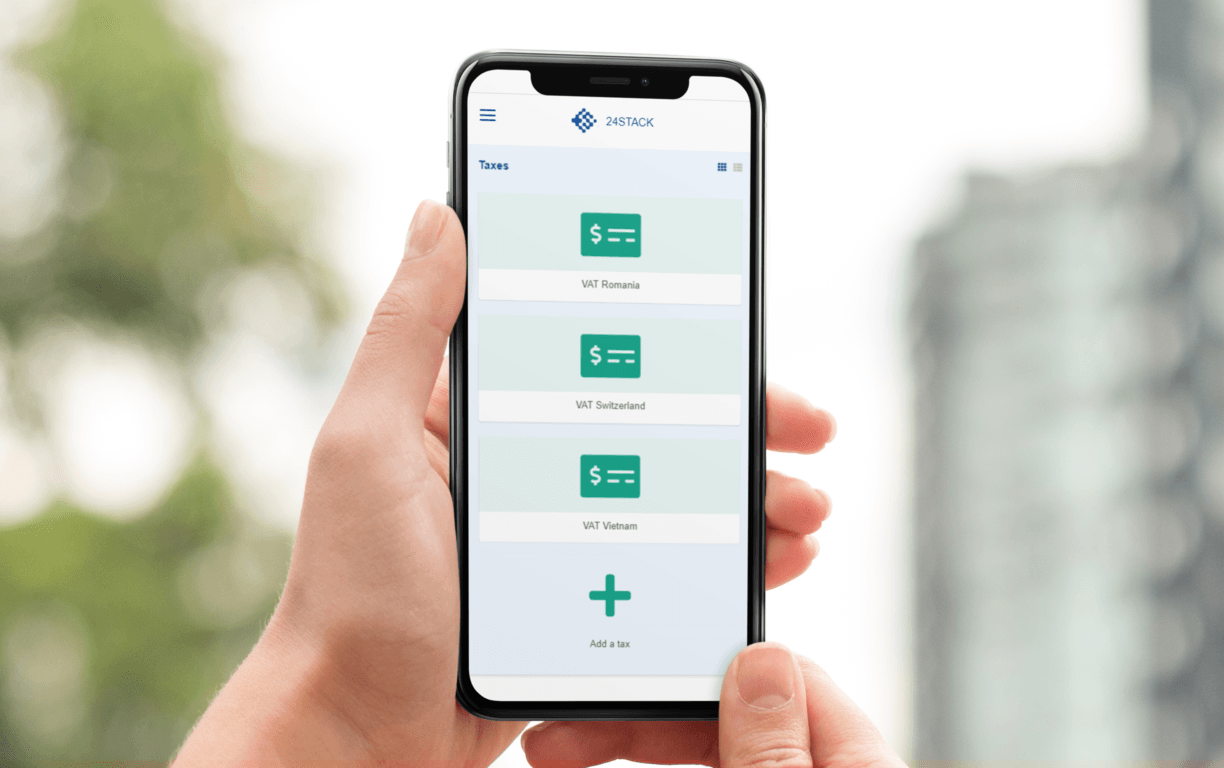
Uzyskaj dostęp do swojej aplikacji nominacje z dowolnego miejsca!
Wszyscy prowadzimy nasz biznes w drodze. Nasza zoptymalizowana pod kątem urządzeń mobilnych aplikacja umożliwia dostęp do nominacje i Twojej firmy w dowolnym miejscu.
Zarządzaj swoją firmą w podróży za pomocą nominacje. Potrzebujesz wygenerować fakturę podczas jazdy w domu uber? Gotowe. Potrzebujesz natychmiastowego spojrzenia na swoje finanse? Zrobione również.
Jedna platforma dla potrzeb Twojej firmy.
Nie wymaga karty kredytowej - Natychmiastowy dostęp
Często Zadawane Pytania
Co jest24Stack?
Stworzyliśmy aplikację 24Stack, aby odpowiedzieć na potrzeby naszych klientów w zakresie prostego i czystego obszaru roboczego w celu zarządzania ich działalnością. Nie musisz subskrybować kilkunastu usługowych dostawców usług SaaS, aby zarządzać swoją firmą. Tylko jeden dostawca z zaawansowanymi rozwiązaniami opakowanymi w czysty i minimalistyczny design - 24Stack
Dlaczego warto korzystać 24Stack?
Z 24Stack musisz kupić tylko jedną subskrypcję, a nie tuzin! Inni dostawcy usług SaaS będą pobierać wysokie opłaty za zarządzanie firmą. Oferujemy rozwiązanie o mocnym, czystym i minimalistycznym designie
Co to jest nominacje aplikacja?
nominacje
Ile kosztuje korzystanie z nominacje aplikacja?
Sprawdź naszą stronę cenową, by dowiedzieć się więcej.
Jaką metodę płatności akceptujesz?
Akceptujemy karty Visa, MasterCard, American Express, JCB, Discover i Diners Club. dla klientów korporacyjnych akceptujemy także przelewy bankowe / ACH.
Czym jest obszar roboczy?
W 24Stack wszystko dzieje się w obszarze roboczym. Podobnie jak w przypadku wirtualnego biurowca, miejsce pracy to miejsce, w którym zespół może się zbierać w
Kto może dodać w mojej przestrzeni roboczej?
W zależności od planu możesz dodawać osoby, którym chcesz udostępnić swoją przestrzeń roboczą, pracownikom, współpracownikom i partnerom.
Czy płacę za obszar roboczy?
Tak, nasza wycena dotyczy jednego użytkownika na obszar roboczy.
Ile przestrzeni roboczej mogę utworzyć?
Zakładając racjonalne wykorzystanie, możesz utworzyć dowolną liczbę obszarów roboczych.
Co się stanie, jeśli dodam użytkowników, a potem usunę?
Płacisz za użytkownika miesięcznie, co miesiąc lub co miesiąc. Pod koniec każdego cyklu rozliczeniowego zostanie naliczona proporcjonalna kwota naliczona lub zastosowana do następnego rachunku. Wszystko zależy od twojego zastosowania.

Jedna platforma dla potrzeb Twojej firmy.
Przełączanie się z jednej aplikacji na drugą nie jest skutecznym sposobem na prowadzenie firmy. Dzięki nominacje nie musisz się martwić o przełączanie z jednego dostawcy na drugiego.