


Apresentando Despesas app
Despesas é um aplicativo poderoso que permite que você para gerenciar as despesas sem problemas
Comece agora. É grátis!






O aplicativo Despesas que você precisa para o seu negócio
Acompanhe todo o seu Despesas em um só lugar, em uma plataforma de alto desempenho.
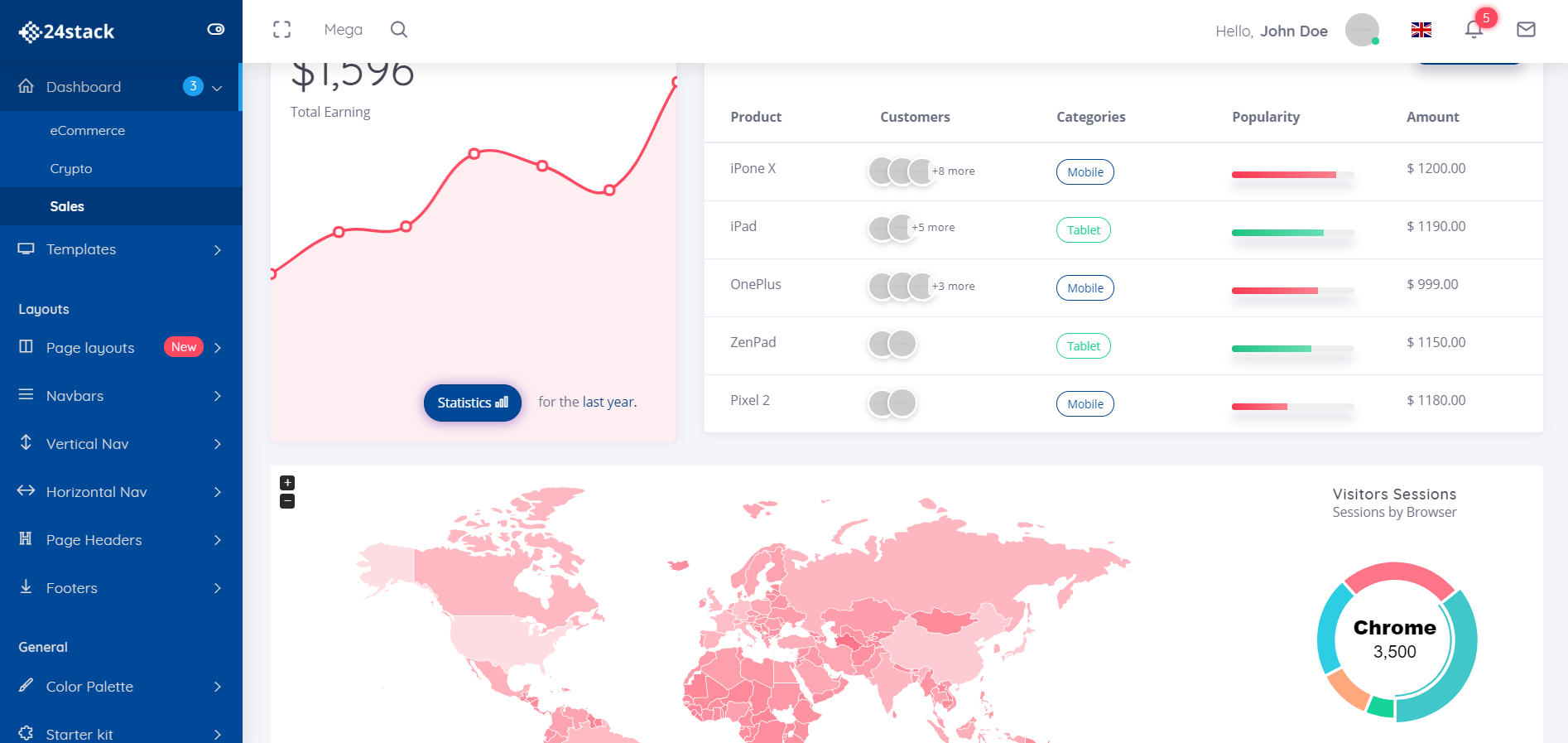
Relatórios de Despesas
Gerar relatórios com facilidade. Despesas de viagem, material de escritório
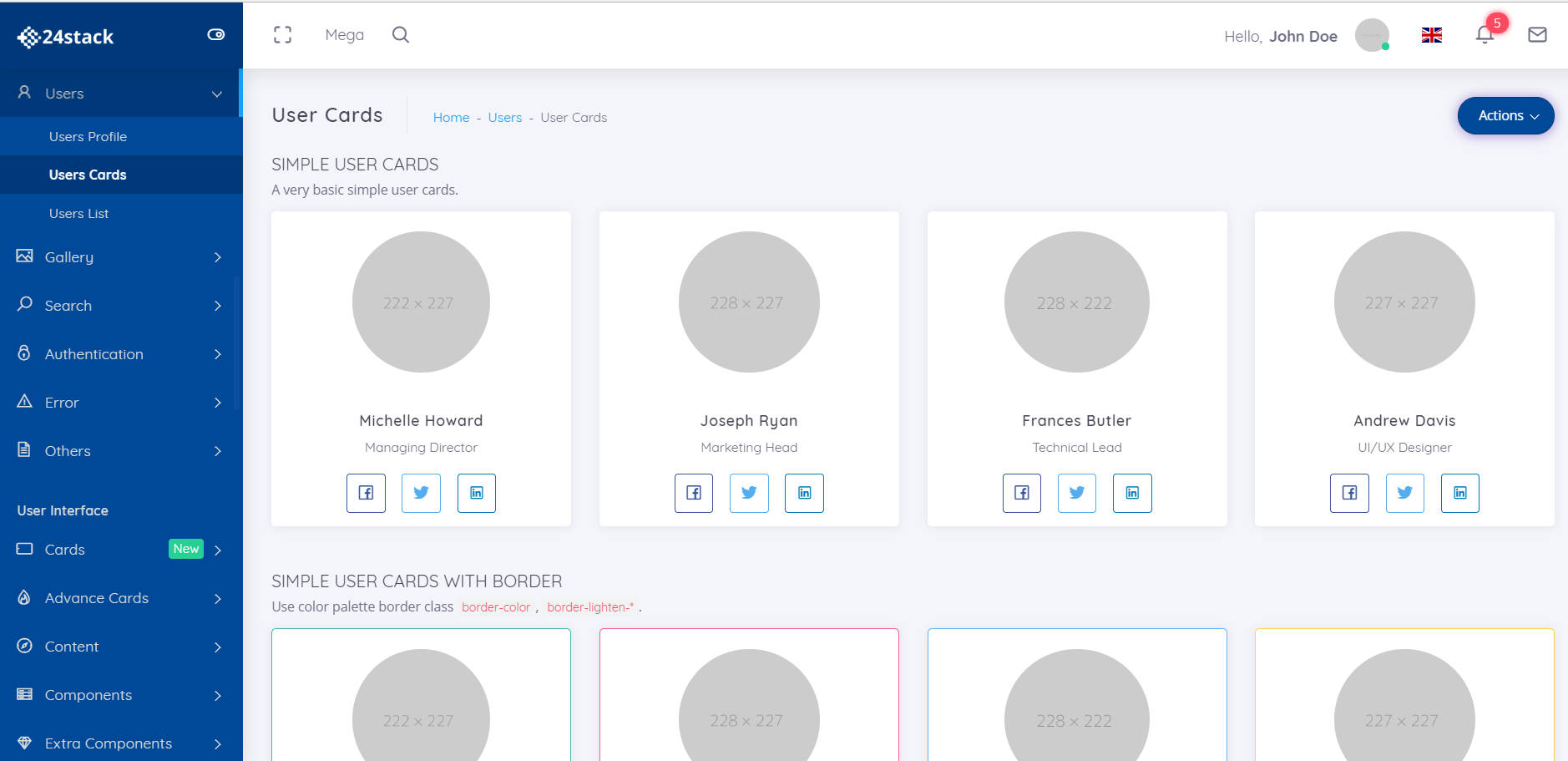
Upload de recibos
Todos os seus recibos em um só lugar. Envie seus recibos diretamente para seus relatórios.
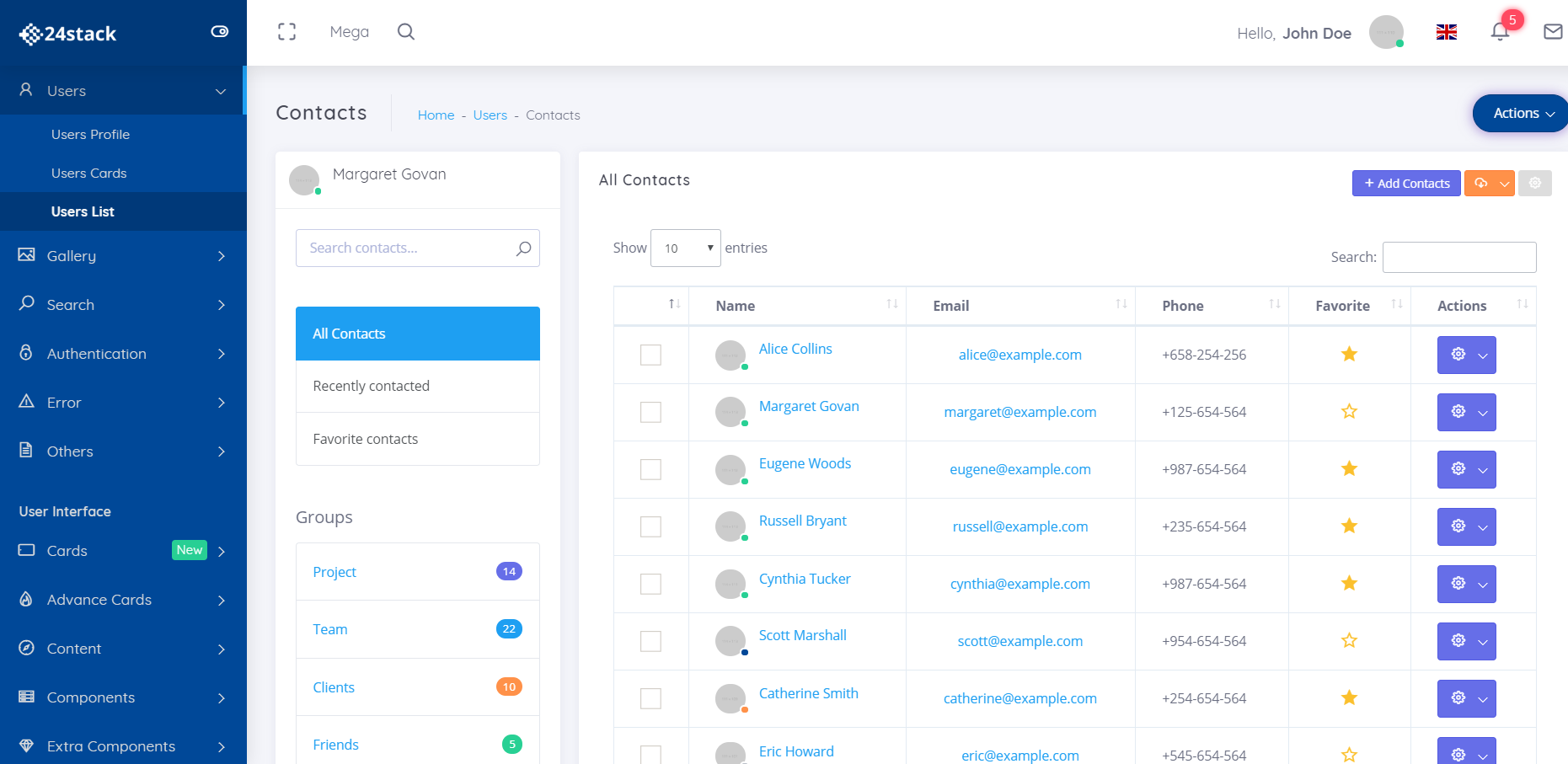
Gerenciar despesas por equipe
Você terá uma visibilidade mais granular das despesas da sua equipe.
Por que 24Stack?
Cansado de usar dezenas de aplicativos diferentes para atender ao seu objetivo comercial? Apresentamos o 24Stack, a plataforma de que sua empresa precisa.

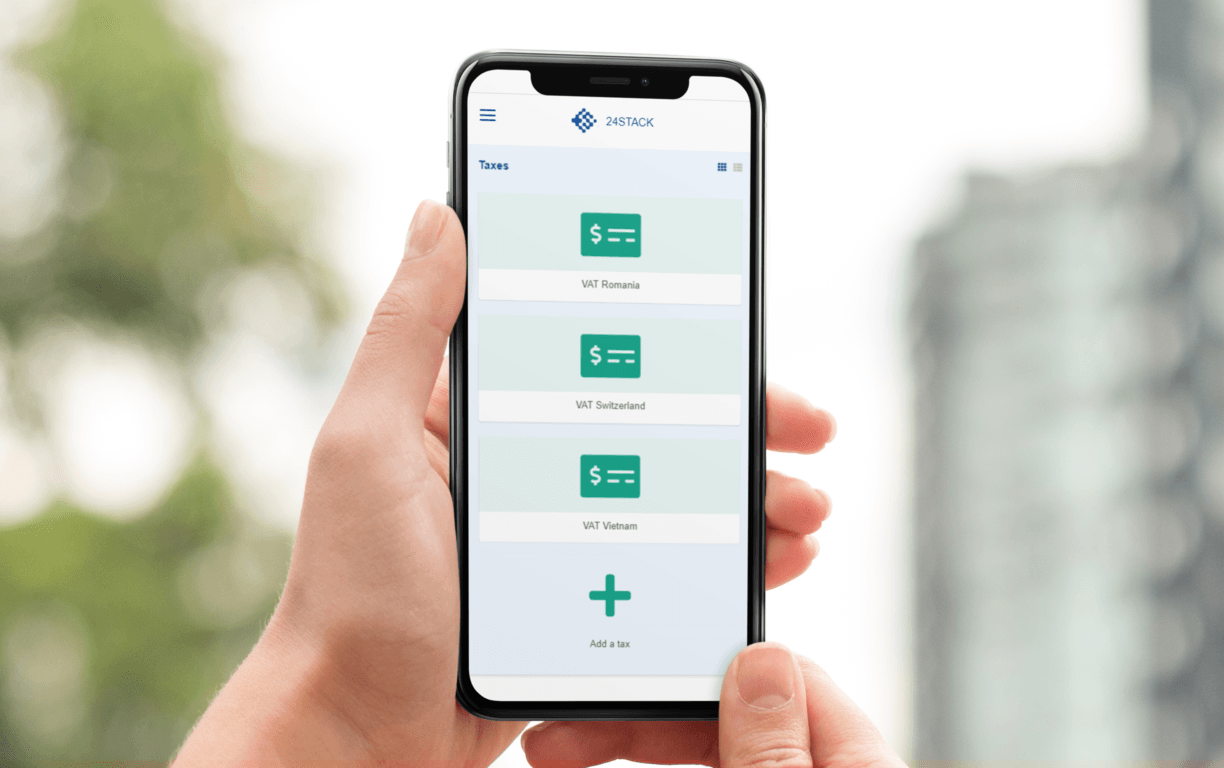
Acesse seu aplicativo despesas de qualquer lugar!
Todos nós administramos nossos negócios em qualquer lugar. Nosso aplicativo otimizado para dispositivos móveis permite que você acesse despesas e seus negócios em qualquer lugar que precisar.
Gerenciar sua empresa em movimento usando o despesas. gerar uma fatura enquanto você anda em casa? Feito. Precisa ter uma visão imediata sobre suas finanças? Feito também.
Uma plataforma para suas necessidades de negócios
Não é necessário cartão de crédito - Acesso instantâneo
Perguntas frequentes
O que é o 24Stack?
Criamos 24Stack para responder às necessidades de nossos clientes por um espaço de trabalho simples e limpo para gerenciar simplesmente seus negócios. Não há necessidade de assinar dezenas de provedores SaaS para gerenciar seus negócios. Apenas um fornecedor com soluções poderosas em design limpo e minimalista - 24Stack
Por que usar 24Stack?
Com 24Stack,você só precisa comprar uma assinatura, não uma dúzia! Outros provedores de SaaS cobram altos valores para administrar sua empresa. Oferecemos uma solução que é um design poderoso, limpo e minimalista
O que é o despesas aplicativo?
despesas
Quanto custa usar o despesas aplicativo?
Por favor, verifique nossa página de preços para mais detalhes.
Qual método de pagamento você aceita?
Aceitamos Visa, MasterCard, American Express, JCB, Discover e Diners Club. Para clientes empresariais, também aceitamos transferências eletrônicas / ACH.
O que é um espaço de trabalho?
Em 24Stack, tudo acontece em um espaço de trabalho. Como um prédio virtual, um espaço de trabalho é onde sua equipe pode se reunir em 24Stack para trabalhar em conjunto em um local centralizado.
Quem posso adicionar no meu espaço de trabalho?
Dependendo do seu plano, você pode adicionar qualquer pessoa com quem deseja compartilhar sua área de trabalho, funcionários, colegas, parceiros
Eu pago por espaço de trabalho?
Sim, nosso preço é por usuário por área de trabalho
Quantas áreas de trabalho posso criar?
Assumindo o uso razoável, você pode criar quantas áreas de trabalho desejar.
E se eu adicionar usuários e depois removê-los depois?
Você paga por usuário por mês, cobrado mensalmente ou anualmente. No final de cada ciclo de faturamento, você terá um valor proporcional cobrado ou aplicado à sua próxima fatura. Tudo depende do seu uso.

Uma plataforma para suas necessidades de negócios
Mudar de um aplicativo para outro não é uma maneira sustentável de administrar seus negócios. Com despesas, você não precisa se preocupar em mudar de um provedor para outro.