


Présentation de l'application de Aide
Aide est une puissante application qui vous permet de pour accompagner vos clients et vos équipes
Commencez maintenant. C'est gratuit!






L'application de Aide dont vous avez besoin pour votre entreprise
Suivez toutes votre Aide au même endroit, sur une plateforme très performante.
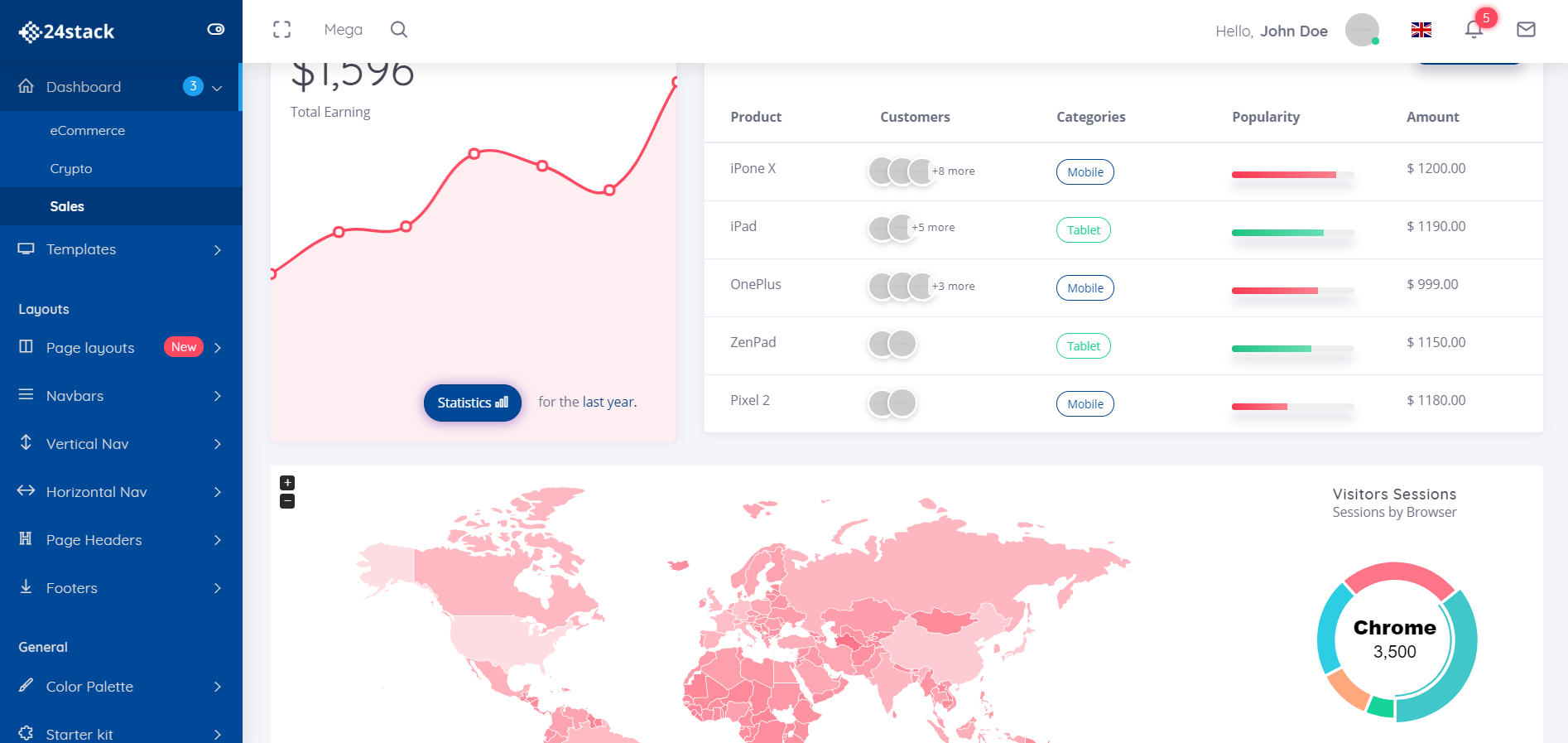
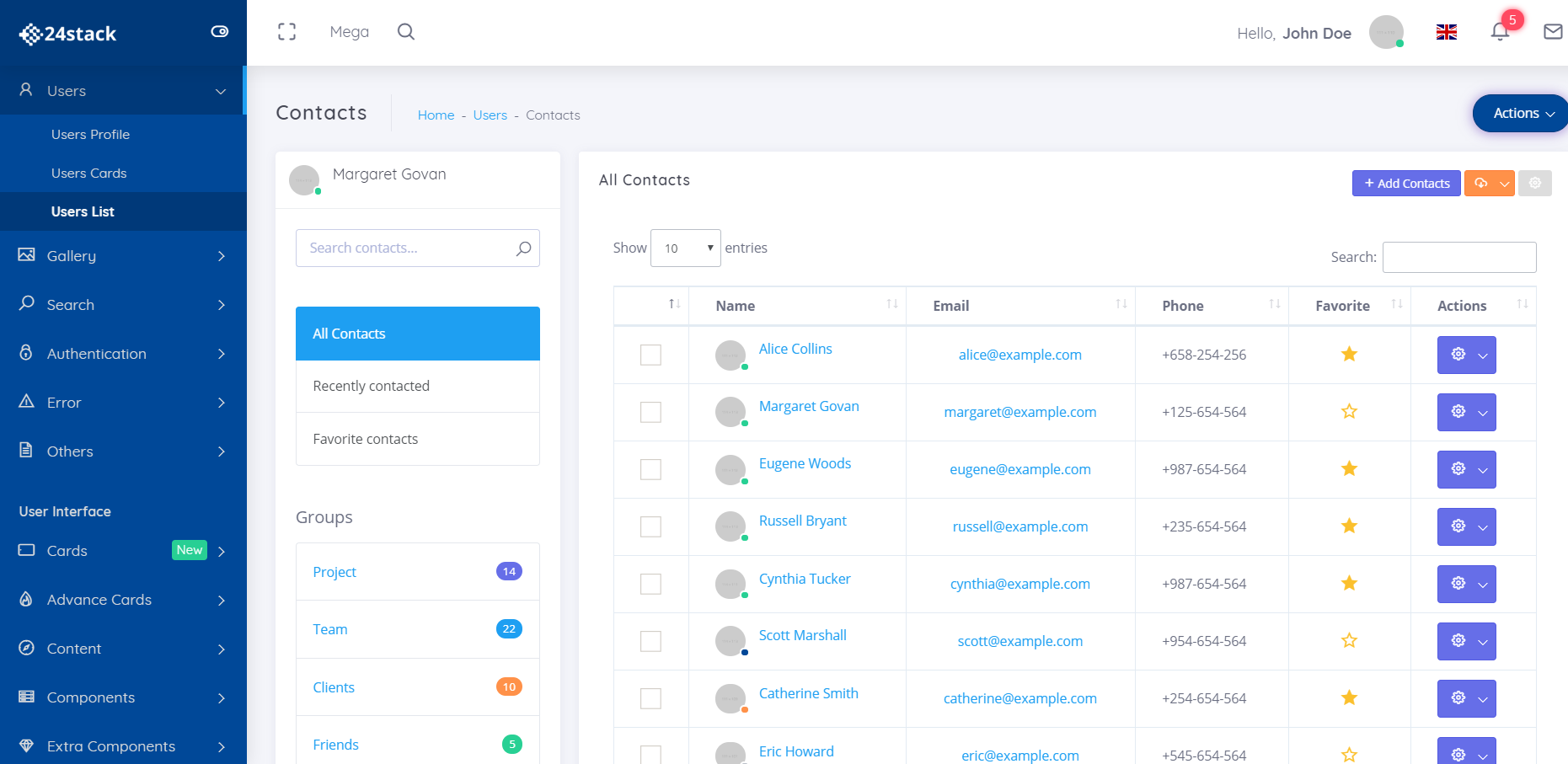
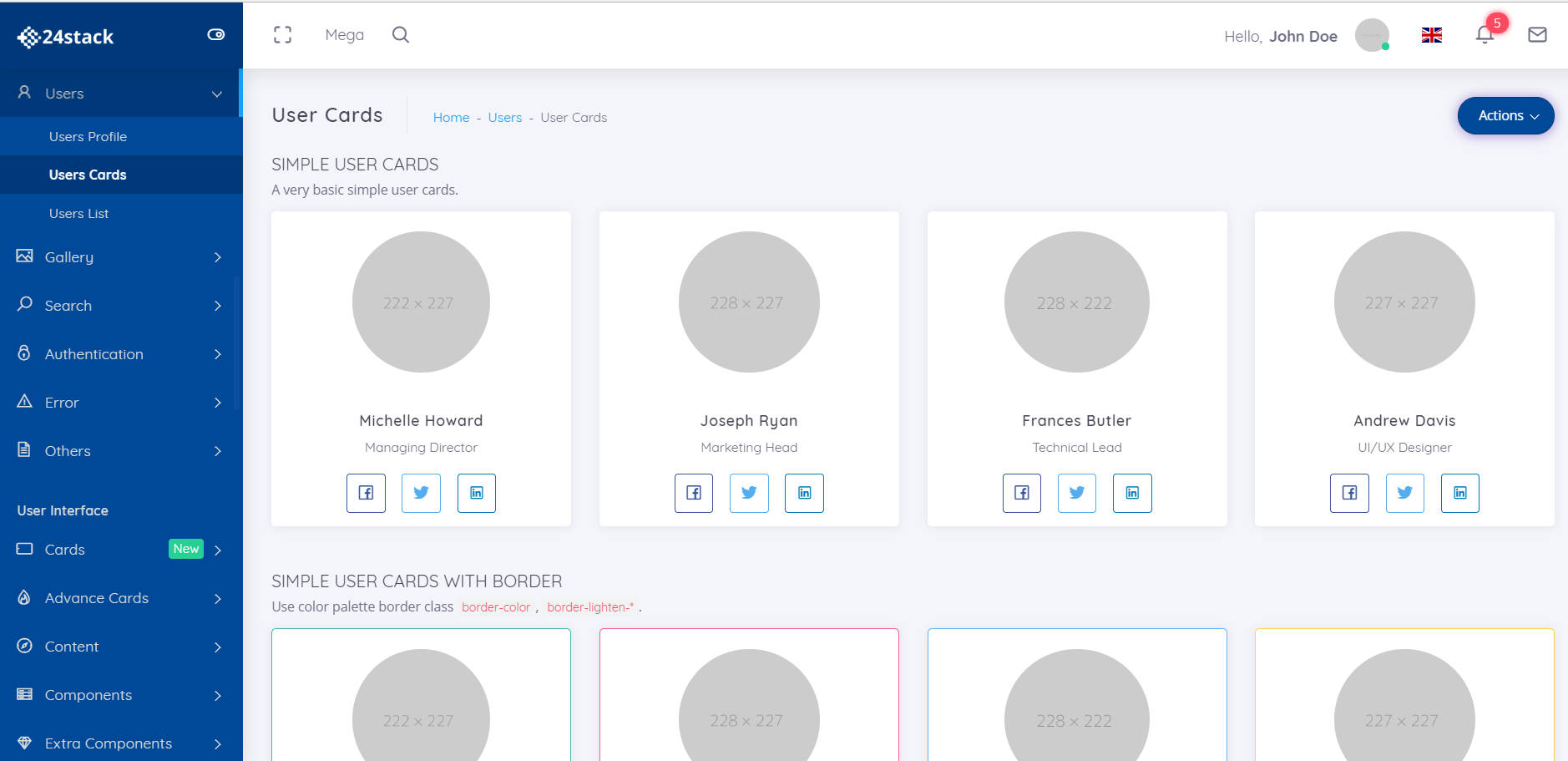
Base de connaissances rendue facile
Partagez les bonnes données avec la bonne personne.
Générer des FAQ facilement
Évitez les répétitions inutiles. Consolidez vos connaissances au même endroit.
Service d'assistance en libre service
Un endroit pour gérer les FAQ, les documentations et les demandes d'assistance.
Pourquoi 24Stack?
Fatigué d'utiliser une dizaine d'applications différentes pour répondre à vos besoins professionnels? Présentation de 24Stack, la plate-forme dont votre entreprise a besoin.

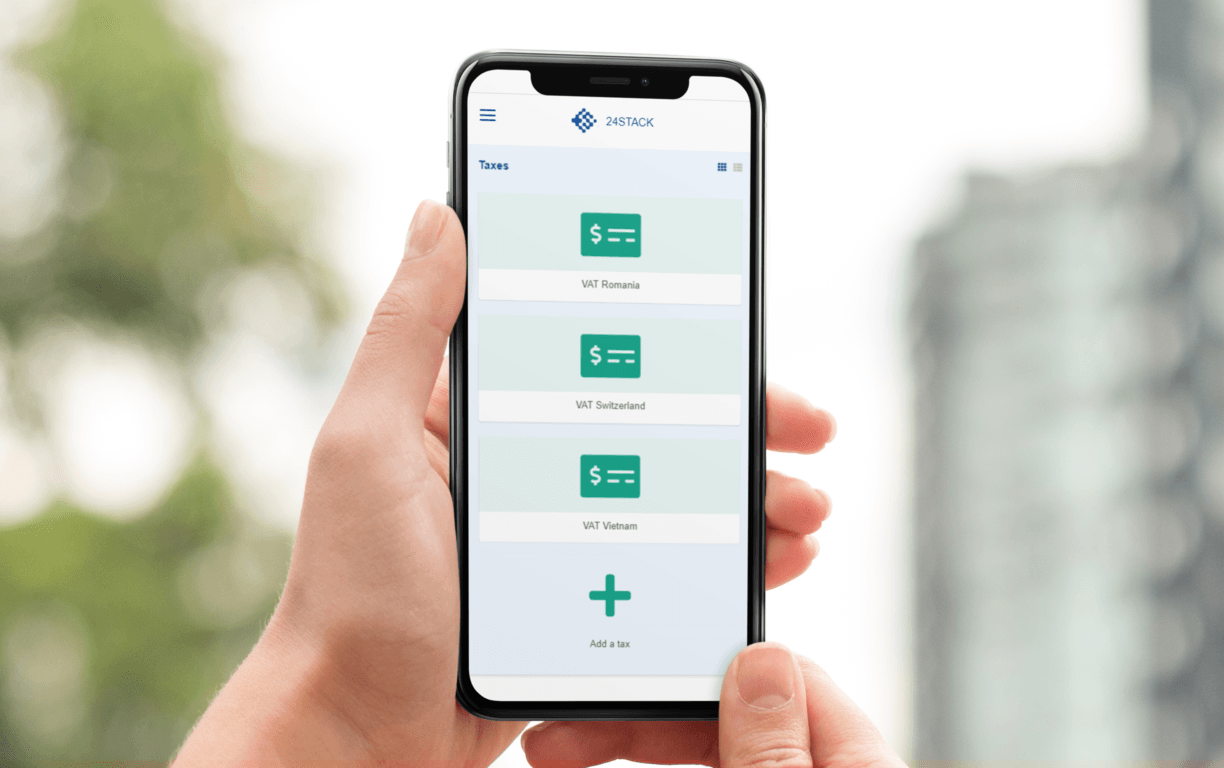
Accédez à votre application aide depuis n'importe où!
Nous dirigeons tous notre entreprise sur la route. Notre application optimisée pour les mobiles vous permet d'accéder à aide et à votre entreprise où vous en avez besoin.
Gérez votre entreprise à tout moment à l'aide de aide. Besoin de générer une facture pendant que vous rentrez chez vous? Terminé. Besoin d'avoir un aperçu immédiat de vos finances? Fait aussi.
Une plate-forme pour vos besoins professionnels.
Aucune carte de crédit requise - accès instantané
Questions fréquemment posées
Quel est 24Stack?
Nous avons créé 24Stack pour répondre aux besoins de nos clients en ce qui concerne un espace de travail simple et propre pour gérer simplement leur entreprise. Nul besoin de vous abonner à une dizaine de fournisseurs de services SaaS pour gérer votre entreprise. Un seul fournisseur avec des solutions puissantes dans un design épuré et minimaliste - 24Stack
Pourquoi utiliser 24Stack?
Avec 24Stack, vous ne devez acheter qu'un seul abonnement, pas une dizaine! D'autres fournisseurs SaaS vous factureront des montants élevés pour gérer votre entreprise. Nous offrons une solution puissante, au design épuré et minimaliste
Quel est le aide app?
aide
Combien ça coûte d'utiliser le aide app?
S'il vous plaît consulter notre page de tarification pour plus de détails.
Quel mode de paiement acceptez-vous?
Nous acceptons les cartes Visa, MasterCard, American Express, JCB, Discover et Diners Club. pour les entreprises clientes, nous acceptons également les virements électroniques / ACH.
Qu'est-ce qu'un espace de travail?
Dans 24Stack, tout se passe dans un espace de travail. Comme dans les immeubles de bureaux virtuels, votre équipe peut se réunir dans
Qui puis-je ajouter dans mon espace de travail?
Selon votre plan, vous pouvez ajouter toute personne avec laquelle vous souhaitez partager votre espace de travail: employés, collègues, partenaires.
Est-ce que je paie par espace de travail?
Oui, nos prix sont par utilisateur et par espace de travail.
Combien d'espace de travail puis-je créer?
En supposant une utilisation raisonnable, vous pouvez créer autant d’espaces de travail que vous le souhaitez.
Et si j'ajoute des utilisateurs, puis les supprime plus tard?
Vous payez par utilisateur et par mois, tous les mois ou tous les ans. À la fin de chaque cycle de facturation, un montant calculé au prorata sera facturé ou appliqué à votre prochaine facture. Tout dépend de votre utilisation.

Une plate-forme pour vos besoins professionnels.
Passer d'une application à l'autre n'est pas un moyen durable de gérer votre entreprise. Avec aide, vous n’aurez plus à vous soucier de passer d’un fournisseur à l’autre.